General Functionality

Contents
This section includes information about:
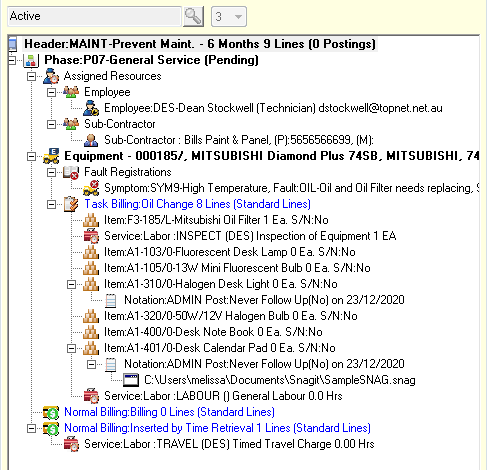
•the Document Entry window
•how to access recently opened documents quickly
•how to expand and collapse the document tree
•how to move document items by dragging them to a different node in the document
•how to use the Document Entry toolbar and "fast" icons
•the purpose of document Status and Priority
•When you load a Document that contains General or Critical Warning Notations, you will be prompted to read all of these Notations before continuing with the Document. Refer Notations.
•If you open a Document that has been opened and locked by another user, a message will be displayed.
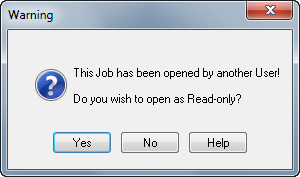
Click [Yes] to open the Document. The frame containing the document tree changes color and document tree functions will be disabled.